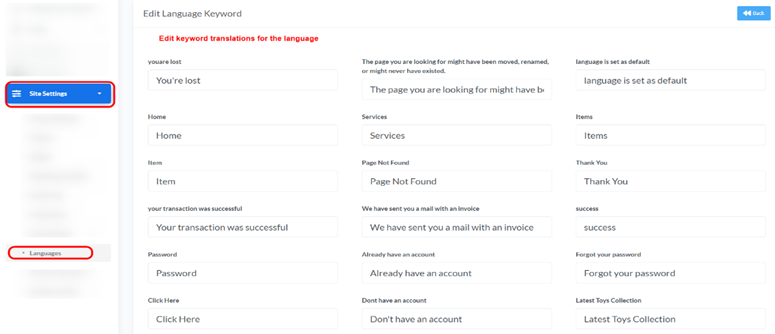
Accessing Languages: From the “Site Settings” menu, select “Languages”, select “ Add New Keyword”.
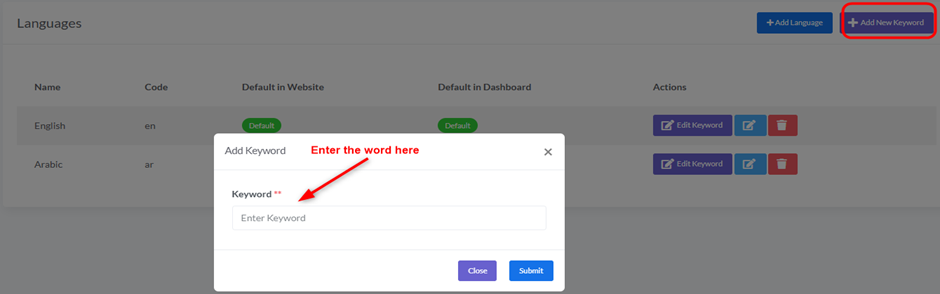
1. Add New Keyword:
- Description: To define a new keyword that can be translated across different languages. This is useful for content that does not automatically appear in translation files.
- How to Add: Click the “+ Add New Keyword” button located in the top right corner.
2. Edit Keyword:
- Description: To edit the translations of keywords for a specific language. This allows you to customize the text displayed in the website’s interface and dashboard.
- How to Edit: Click the “Edit Keyword” button (pencil icon) next to the language whose keywords you wish to edit. (This will open a page where you can see all keywords and their translations in that language).